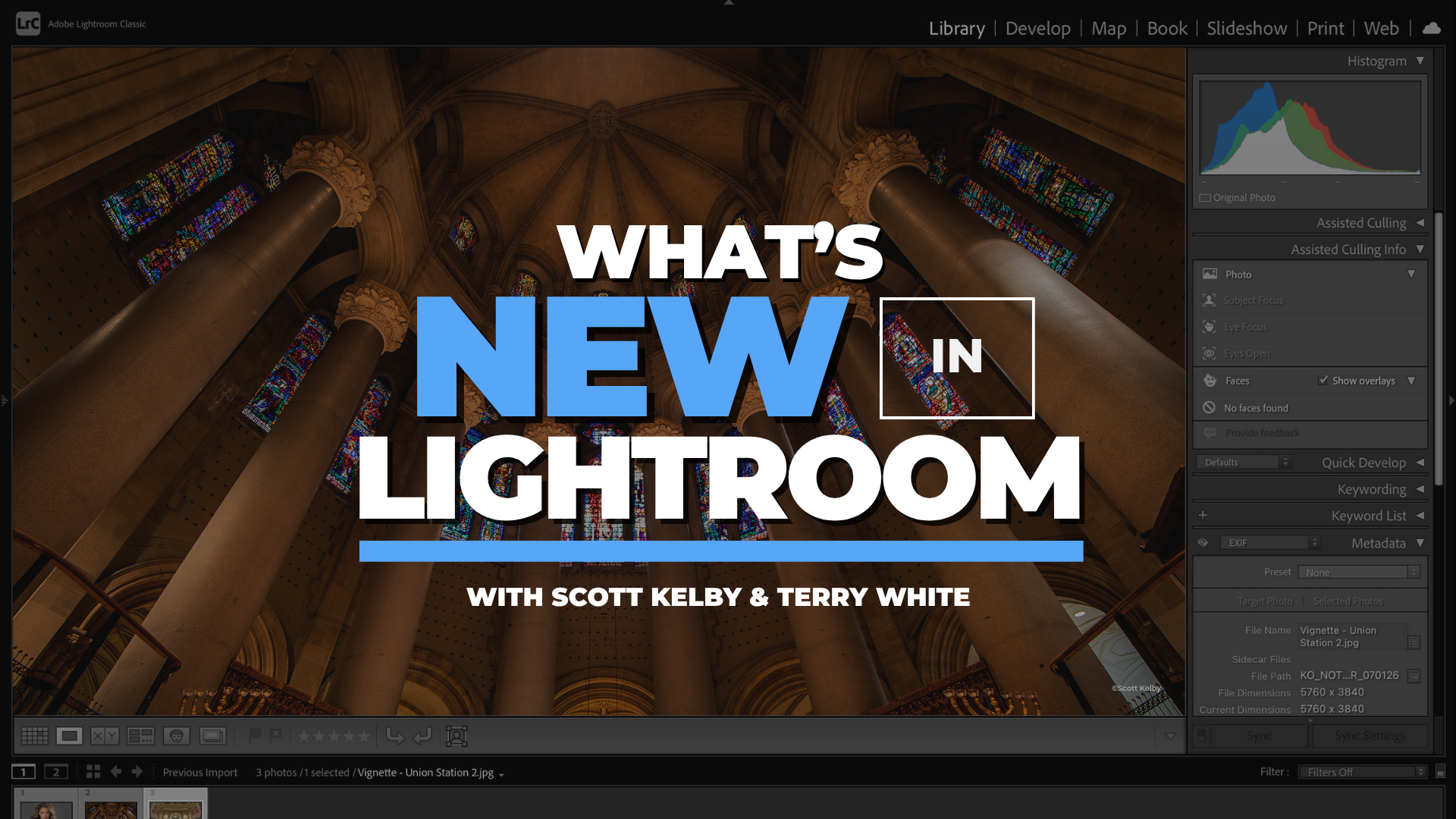
What's New in Classic, Cloud & Mobile
✓ Backed by a 30-day money-back guarantee — join with zero risk, cancel anytime.
Get this course plus 1,000+ others — new courses weekly — for $199/year. That's about 54¢ a day, and $40 less than paying monthly.
Most updates you'll never notice.
These ones change how you work.
About the Course
Lightroom just got a major upgrade — and most of these updates are easy to miss. Scott Kelby sits down with Adobe's Terry White to walk you through every bit of it across Classic, Cloud, and Mobile. Instead of a feature list, you'll watch them test each update on real images, so you can see the results before you touch your own catalog. You'll learn the new pixel-based duplicate finder, Assisted Culling, dramatically faster noise reduction, and Lightroom's new ability to turn a still into a short video clip — plus exactly which tools belong in your everyday workflow.
Why This Course Matters
Lightroom updates land quietly — and it's easy to keep working the old way while genuinely useful tools sit unused right under your cursor.
That gap costs you time on every shoot. Spend one focused session with the photographer who's taught Lightroom longer than almost anyone and the Adobe evangelist who knows what's coming next, and you'll learn which features are actually worth changing your habits for — so the hours you spend in Lightroom are the fewest, and most productive, they can be.
Who's Teaching You
You get both sides of every update: the photographer who's taught Lightroom longer than almost anyone, and the Adobe insider who knows exactly what's coming next — and why it matters.

Scott Kelby is the world's most published photography and Lightroom author, the founder of KelbyOne, and the original Photoshop Guy. He's spent decades making complex techniques feel simple and immediately usable.

Terry White is a Worldwide Creative Cloud Design Evangelist at Adobe, where he leads the charge in showing photographers and creatives around the world how to get the most out of Adobe's tools.
What You'll Learn
From cleaning up your catalog to Lightroom's newest AI tools — here's what you'll walk away with.
Find and remove duplicate photos by pixel match — not just file name — and reclaim the drive space they've been quietly eating.
Improved Select Subject masking locks onto fine hair and complex edges, even against tricky dark backgrounds.
Assisted Culling scores every frame for focus and open eyes, analyzes each face in a group, and flags only the shots worth a second look.
Clear a heavily noisy high-ISO raw almost instantly, powered by the Apple neural engine on M1 through M5 Macs.
Generate short 4–8 second video clips from a single photo, with slow pans, hyperlapses, and custom AI prompts.
16-bit HDR round trips to Photoshop, faster Canon tethering, a metadata filter that finds AI-edited photos, and two-way keyword sync.
The Full Curriculum
Tap any lesson to see what's covered.
Scott and Terry tour the newest releases and head straight to the long-requested feature: finding and removing true duplicates by pixel match, not file name. You'll also learn how to grab version 15.4 through Creative Cloud.
See improved Select Subject masking handle tricky hair and dark backgrounds, then go deep on duplicates: reading stacks, setting the original, and clearing out the copies eating your drive.
Assisted Culling is here and ready for real work. Watch it score a shoot for focus and open eyes, analyze every face in a group shot, and hand you only the images that need a second look.
Denoise is dramatically faster, clearing a heavily noisy raw file in seconds. Scott demonstrates on a real high-ISO shot and explains how Apple's neural engine made it happen.
A rapid-fire round of power-user updates: 16-bit HDR round trips to Photoshop, faster Canon tethering, a filter that finds every AI-edited photo, two-way keyword sync, and video clips generated from a single still.
From the Course
Loved by Members
Rated 4.8 out of 5 — "Excellent" — across 1,843 reviews on Trustpilot. Here's what members say.
KelbyOne is so inspiring, exhilarating, fascinating and downright exceptional. Every aspect of KelbyOne is like a good novel that you can't put down. Great technical and useful knowledge.
These courses don't treat you like you're an idiot, but still walk you through step by step. Other members really go the extra mile to help you understand and progress as a photographer.
I am soooo pleased that I found this program. I am learning and growing by crazy leaps and bounds in my photography skills. The teaching style makes everything stick.
The classes are well done and I always learn something new. I especially enjoy the no-nonsense approach to teaching. It keeps what could be a dry topic interesting.
More Than One Course
What's New in Lightroom comes with your KelbyOne membership — and so does everything below. Tap any benefit to see what's included.
The full KelbyOne library covers photography, Lightroom, and Photoshop from first principles to professional technique — portraits, landscape, travel, studio and flash, wedding, sports, street, food, fashion, business, and more. Every course is taught by a working pro, broken into focused lessons you can watch in any order, and available to stream whenever you want. Start a class on your lunch break, finish it that night, and come back to it any time you need a refresher.
KelbyOne releases a new course every single week, so your membership is worth more the longer you hold it. New techniques, new gear, new software releases, and new instructors are added continuously — meaning the latest in photography and post-processing is always waiting for you, and you'll never pay extra for it.
Not sure what to watch next? Curated learning tracks sequence the right courses in the right order so you build skills step by step instead of jumping around. The Photographer's Fast Track is designed to save you years of trial and error, and your progress is tracked along the way so you always know what you've finished and what's next.
Your membership includes a growing toolkit of free Lightroom presets, Photoshop brushes, and other downloadable resources you can put to work right away. Many courses also include downloadable practice files so you can follow along with the exact images the instructor is using — learning by doing, not just watching.
Stream on your computer, phone, tablet, or Apple TV and pick up right where you left off on any device. The KelbyOne app also lets you download classes for offline viewing, so you can keep learning on a plane, a road trip, or anywhere without a connection. Your account works anytime, anywhere.
Learning is easier with people in your corner. KelbyOne members are a welcoming, genuinely helpful community — the kind who go out of their way to answer questions and help you progress. When a technique doesn't click, there's a place to ask, and real photographers at every level who are happy to help.
If you're unhappy for any reason, contact us within the first 30 days of an annual membership (or the first 7 days of a monthly membership) and we'll gladly cancel and issue a full refund. You also get access the moment you join, and you can cancel anytime from your account page. There's nothing to lose by trying it.
Membership
What's New in Lightroom and the entire library of courses come with a KelbyOne membership. Go annual and you'll pay about 54¢ a day — and save $40 over paying monthly.
Everything included
Still on the fence?
Start monthly at $19.99/mo and switch to annual anytime. Heads up: paying month-to-month works out to $239.88 a year — $40 more than going annual.
Not happy for any reason? Contact us within the first 30 days of an annual membership (or the first 7 days of a monthly membership) and we'll gladly cancel and issue a full refund. You get access the moment you join.
Questions? Answered.
Right away. The moment you join, you can sign in and start watching What's New in Lightroom — and every other course in the library — immediately, on any device.
Absolutely. KelbyOne has courses for every skill level, taught in plain language, step by step. What's New in Lightroom meets you where you are, and the rest of the library grows with you as you improve.
Annual is the best value by a wide margin: $199 for a full year works out to about 54¢ a day and saves you $40 compared to paying month-to-month ($239.88/year). Monthly is there if you'd rather start small — and you can switch to annual anytime.
Yes. Cancel whenever you like from your account page and you'll keep access until your membership period ends. You're also covered by our money-back guarantee — 30 days on annual, 7 days on monthly — so there's no risk in trying it.
Yes. Stream on desktop, mobile, tablet, and Apple TV, and pick up right where you left off on any device. The KelbyOne app also lets you download classes to watch offline — on a plane, a road trip, anywhere.
Of course — KelbyOne has members all over the world. All prices are listed in US dollars (USD), so just keep your local exchange rate in mind at checkout and renewal.
Join KelbyOne today and stream What's New in Lightroom — plus 1,000+ more courses from the world's best photographers — with a single membership.
Join KelbyOne & Start WatchingFrom about 54¢ a day · New courses weekly · Money-back guarantee