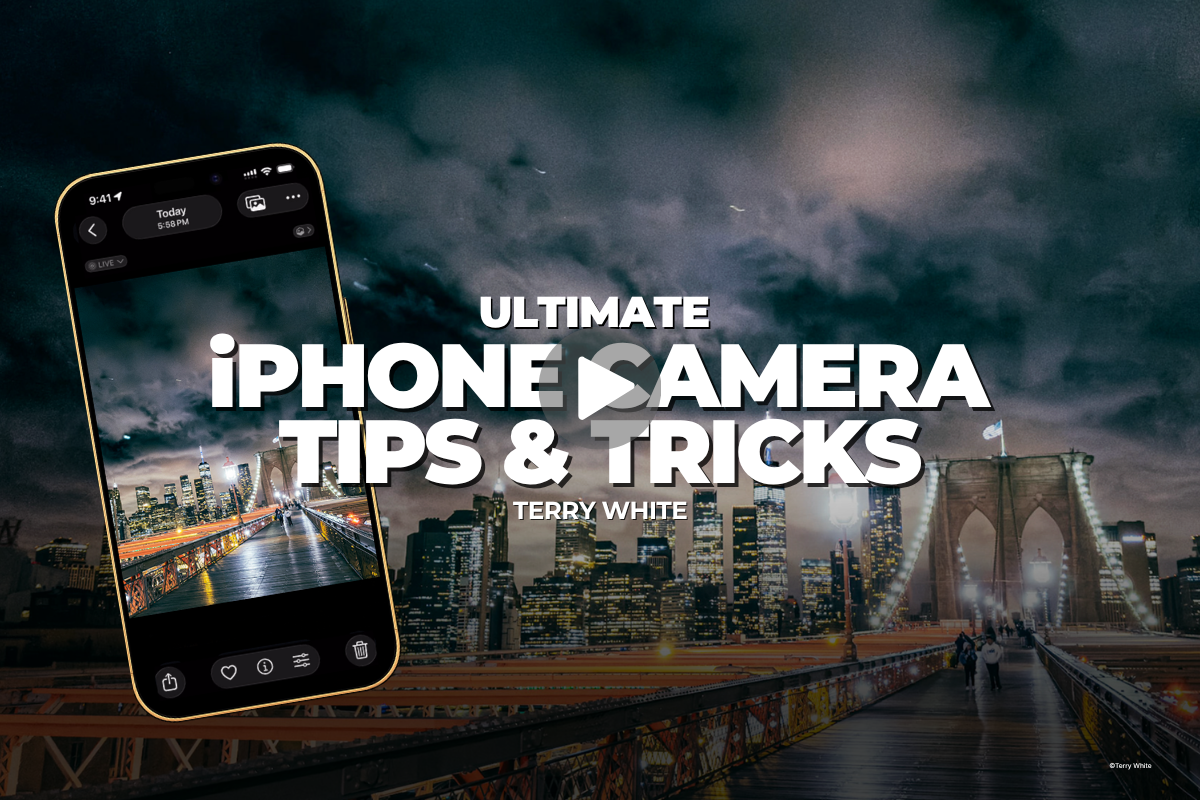
Ultimate iPhone Camera Tips & Tricks
✓ Backed by a 30-day money-back guarantee — join with zero risk, cancel anytime.
Get this course plus 1,000+ others — new courses weekly — for $199/year. That's about 54¢ a day, and $40 less than paying monthly.
Everybody owns this camera.
Almost nobody really uses it.
About the Course
The best camera you own is the one already in your pocket — you just haven't been shown how to really use it. Adobe's Terry White walks you through the iPhone camera on the iPhone 17 Pro and iOS 26, showing you not just where the settings live, but which ones actually matter and when to reach for them. You'll set up the Camera Button, pick the right format every time, nail Night Mode and long exposures, lock your focus and exposure, freeze the action, smooth out your video, and fire the shutter five different ways — all with no extra gear.
Why This Course Matters
Most of us use a tiny fraction of what our iPhone can really do — and that gap is the difference between a quick snapshot and a shot you'd hang on the wall.
Terry shows you why one setting beats another, when RAW is actually worth it, and how to pull off pro moves like the hidden Night Mode “Max” setting for the stars and a tripod-free long exposure — all with no extra gear. Because the camera you carry everywhere is the one most likely to catch the moment, and this course makes sure you're ready when it happens.
Who's Teaching You
Terry White has spent years helping people get more out of the tools they already own. Here, he turns that gift on the camera in your pocket — the one you carry everywhere.

Terry White is a Worldwide Creative Cloud Design Evangelist for Adobe, where he leads the charge sharing Adobe's Creative Cloud tools with users around the world. He has a rare gift for making the technical feel effortless — exactly what you want from the person teaching you to get more out of the camera you already carry.
What You'll Learn
From the Camera Button to Center Stage — here's what you'll walk away knowing how to do.
Launch the camera in a snap, then fine-tune exposure, depth, and zoom with a light press — dialed in the way you shoot.
Photographic styles, resolution, formats, ProRAW, and the “Preserve Settings” trick that keeps your camera ready to go.
When RAW beats HEIF, the hidden Night Mode “Max” setting for the stars, and a tripod-free long exposure from a Live Photo.
Exposure compensation, aspect ratios, AE/AF Lock, and native lenses instead of that dreaded digital zoom.
Move between cinematic, slow-mo, and time-lapse on the fly, and smooth out handheld footage with Action Mode.
Dual Capture, your Apple Watch and AirPods Pro 3, Center Stage, and a cheap Bluetooth remote for better selfies and group shots.
The Full Curriculum
Tap any lesson to see what's covered.
Terry kicks things off with what's new in the iPhone 17 Pro and iOS 26, and how to get the most out of whatever iPhone you've got in your hand right now.
Set up the new Camera Button to launch in a snap, and fine-tune your exposure, depth, and zoom with a light press — all dialed in the way you shoot.
The settings that actually matter, minus the headache: photographic styles, resolution, formats, ProRAW, and the “Preserve Settings” trick that keeps your camera ready to go.
When to shoot RAW vs. HEIF, the hidden Night Mode “Max” setting for the stars, and how to turn a Live Photo into a gorgeous long exposure with no tripod in sight.
Exposure compensation, aspect ratios, switching native lenses instead of digital zoom, plus jumping between cinematic, slow-mo, and time-lapse video on the fly.
Compose with the grid and level, lock it down with AE/AF Lock, freeze the action with burst mode, and smooth out your footage with Action Mode.
Record yourself and your subject at the same time with Dual Camera, then learn five slick ways to fire the shutter — including your Apple Watch and AirPods Pro 3.
Better selfies, a cheap little Bluetooth remote, and Center Stage — the feature that magically widens the frame to pull everybody into the shot.
From the Course
Loved by Members
Rated 4.8 out of 5 — "Excellent" — across 1,843 reviews on Trustpilot. Here's what members say.
KelbyOne is so inspiring, exhilarating, fascinating and downright exceptional. Every aspect of KelbyOne is like a good novel that you can't put down. Great technical and useful knowledge.
These courses don't treat you like you're an idiot, but still walk you through step by step. Other members really go the extra mile to help you understand and progress as a photographer.
I am soooo pleased that I found this program. I am learning and growing by crazy leaps and bounds in my photography skills. The teaching style makes everything stick.
The classes are well done and I always learn something new. I especially enjoy the no-nonsense approach to teaching. It keeps what could be a dry topic interesting.
More Than One Course
Ultimate iPhone Camera Tips & Tricks comes with your KelbyOne membership — and so does everything below. Tap any benefit to see what's included.
The full KelbyOne library covers photography, Lightroom, and Photoshop from first principles to professional technique — portraits, landscape, travel, studio and flash, wedding, sports, street, food, fashion, business, and more. Every course is taught by a working pro, broken into focused lessons you can watch in any order, and available to stream whenever you want. Start a class on your lunch break, finish it that night, and come back to it any time you need a refresher.
KelbyOne releases a new course every single week, so your membership is worth more the longer you hold it. New techniques, new gear, new software releases, and new instructors are added continuously — meaning the latest in photography and post-processing is always waiting for you, and you'll never pay extra for it.
Not sure what to watch next? Curated learning tracks sequence the right courses in the right order so you build skills step by step instead of jumping around. The Photographer's Fast Track is designed to save you years of trial and error, and your progress is tracked along the way so you always know what you've finished and what's next.
Your membership includes a growing toolkit of free Lightroom presets, Photoshop brushes, and other downloadable resources you can put to work right away. Many courses also include downloadable practice files so you can follow along with the exact images the instructor is using — learning by doing, not just watching.
Stream on your computer, phone, tablet, or Apple TV and pick up right where you left off on any device. The KelbyOne app also lets you download classes for offline viewing, so you can keep learning on a plane, a road trip, or anywhere without a connection. Your account works anytime, anywhere.
Learning is easier with people in your corner. KelbyOne members are a welcoming, genuinely helpful community — the kind who go out of their way to answer questions and help you progress. When a technique doesn't click, there's a place to ask, and real photographers at every level who are happy to help.
If you're unhappy for any reason, contact us within the first 30 days of an annual membership (or the first 7 days of a monthly membership) and we'll gladly cancel and issue a full refund. You also get access the moment you join, and you can cancel anytime from your account page. There's nothing to lose by trying it.
Membership
Ultimate iPhone Camera Tips & Tricks and the entire library of courses come with a KelbyOne membership. Go annual and you'll pay about 54¢ a day — and save $40 over paying monthly.
Everything included
Still on the fence?
Start monthly at $19.99/mo and switch to annual anytime. Heads up: paying month-to-month works out to $239.88 a year — $40 more than going annual.
Not happy for any reason? Contact us within the first 30 days of an annual membership (or the first 7 days of a monthly membership) and we'll gladly cancel and issue a full refund. You get access the moment you join.
Questions? Answered.
Right away. The moment you join, you can sign in and start watching Ultimate iPhone Camera Tips & Tricks — and every other course in the library — immediately, on any device.
Absolutely. KelbyOne has courses for every skill level, taught in plain language, step by step. This course meets you where you are, and the rest of the library grows with you as you improve.
No. Terry demonstrates on the iPhone 17 Pro running iOS 26, but most of the tips, settings, and techniques apply to a wide range of recent iPhones. You'll learn how to get the most out of whatever iPhone you already carry.
Annual is the best value by a wide margin: $199 for a full year works out to about 54¢ a day and saves you $40 compared to paying month-to-month ($239.88/year). Monthly is there if you'd rather start small — and you can switch to annual anytime.
Yes. Cancel whenever you like from your account page and you'll keep access until your membership period ends. You're also covered by our money-back guarantee — 30 days on annual, 7 days on monthly — so there's no risk in trying it.
Yes. Stream on desktop, mobile, tablet, and Apple TV, and pick up right where you left off on any device. The KelbyOne app also lets you download classes to watch offline — on a plane, a road trip, anywhere.
Of course — KelbyOne has members all over the world. All prices are listed in US dollars (USD), so just keep your local exchange rate in mind at checkout and renewal.
Join KelbyOne today and stream Ultimate iPhone Camera Tips & Tricks — plus 1,000+ more courses from the world's best photographers — with a single membership.
Join KelbyOne & Start WatchingFrom about 54¢ a day · New courses weekly · Money-back guarantee